







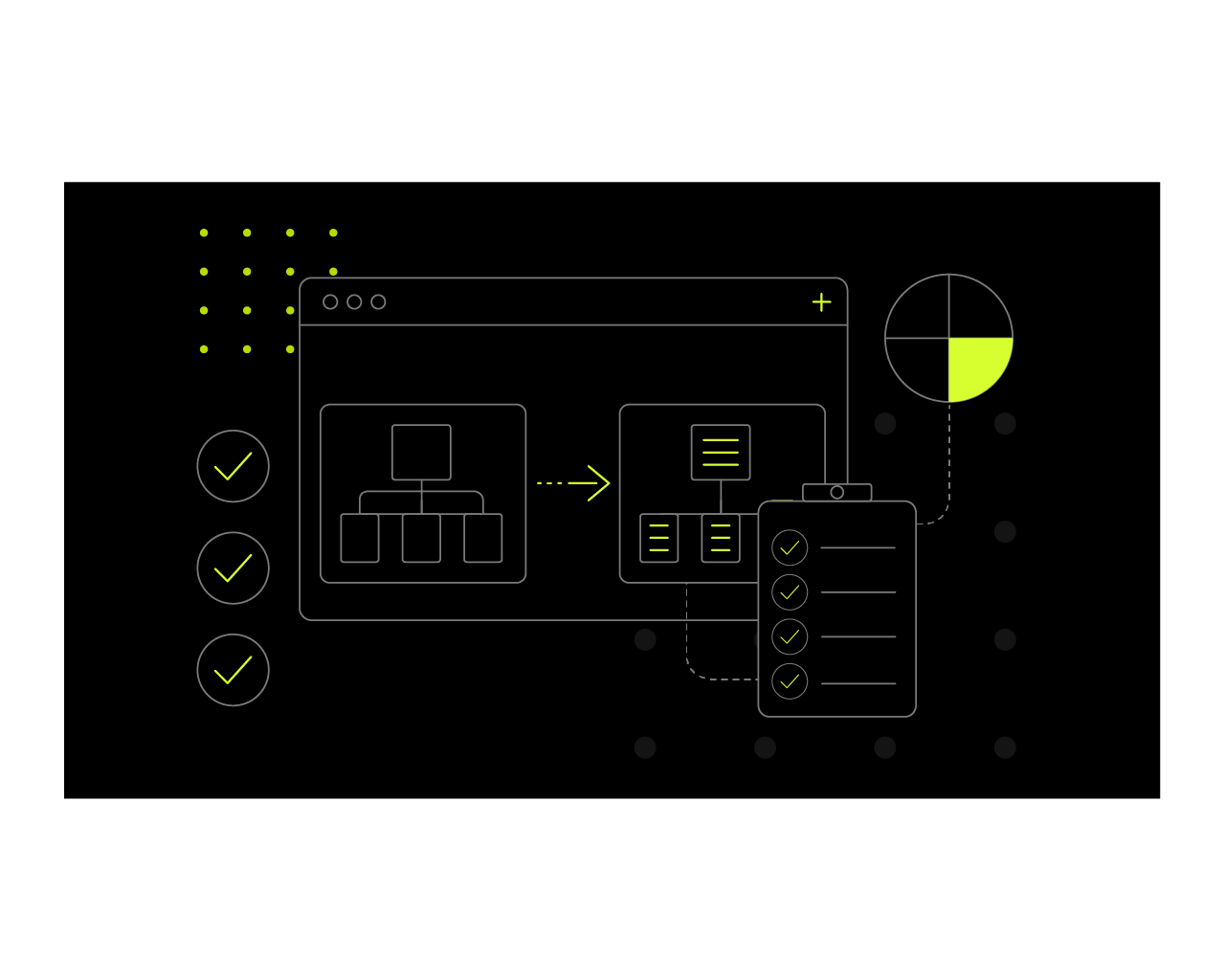
Moving to a new domain, changing platforms or redesigning your website can give your business a stronger digital foundation. However, it can also put years of search visibility at risk when the process is not properly planned.
URLs may change, internal links can break and valuable content can be removed. Search engines then have to rediscover your pages and understand where everything has moved.
In this guide, we provide a practical checklist for website migration, covering what to do before, during and after launch to protect your rankings, traffic and conversions.
What is a website migration?
A website migration is any substantial change that affects a site’s structure, technology, location, content or design.
Common examples include:
- Moving to a new domain
- Switching CMS or ecommerce platforms
- Changing the URL structure
- Combining multiple websites
- Moving from HTTP to HTTPS
- Changing hosting providers
- Redesigning or restructuring a website
Not every redesign is automatically a full migration. However, it becomes an SEO consideration when it changes URLs, navigation, page templates, internal links, content or how search engines access the site.
A well-managed migration should improve the experience without sacrificing the authority and visibility built by the existing website. That requires SEO, UX and technical development to be considered together from the beginning.
Why can website migration affect SEO?
Search engines use your URLs, content, internal links and technical signals to understand what each page is about and how the wider website is organised.
When these elements change, Google must crawl and evaluate the new version of the site. If the relationship between the old and new pages is unclear, search engines may struggle to transfer existing ranking signals.
Common risks include:
- High-performing pages being removed: Deleting pages that already attract traffic, rank for valuable terms or earn backlinks can cause an immediate loss of visibility and authority.
- Old URLs returning 404 errors: When old pages are not redirected, users and search engines reach dead ends instead of the most relevant new content.
- Redirects pointing to irrelevant pages: Sending old URLs to unrelated destinations can confuse users and prevent search engines from transferring ranking signals effectively.
- Internal links still using old addresses: Outdated internal links create unnecessary redirects, weaken site structure and make crawling less efficient.
- Important content or metadata going missing: Losing useful copy, title tags, headings or meta descriptions can reduce a page’s relevance and ability to rank.
- Pages being accidentally blocked from indexing: Incorrect noindex tags or robots.txt rules can stop important pages from appearing in search results altogether.
- Slower loading speeds: Heavier templates, larger images or excessive scripts can damage user experience, Core Web Vitals and conversion performance.
- Analytics and conversion tracking failures: Broken tracking can make it difficult to measure traffic, leads and sales accurately after launch.
- Changes to navigation that bury important pages: Moving key pages deeper into the site can make them harder for users and search engines to find.
Some short-term movement in rankings can happen after a significant migration. However, careful planning can reduce disruption and make it easier to identify genuine problems.
SEO website migration checklist
The safest way to manage a migration is to divide the work into three stages: preparation, launch and post-launch monitoring.
Before the website migration
1. Define the scope and objectives
Start by documenting exactly what is changing and why.
For example, are you moving to a new domain, switching platforms or simply updating the website’s design? Will the migration affect every page or only one section?
Your migration plan should establish:
- The commercial objectives
- Pages and systems affected
- Key responsibilities
- Technical requirements
- Approval processes
- Target launch date
- Rollback plan
- Measures of success
Success should not be defined solely by whether the new website goes live. Relevant measures could include retained organic traffic, improved conversion rates, stronger usability and better website performance.
Businesses planning a substantial redesign may benefit from involving their website design and development agency at this stage, rather than treating SEO as a final pre-launch check.
2. Crawl and benchmark the existing website
Before changing anything, create a complete record of the current website.
A website crawler can help collect:
- Existing URLs
- Page titles and meta descriptions
- H1 headings
- Status codes
- Canonical tags
- Indexability
- Internal links
- Structured data
- Image URLs
- Redirects
This crawl becomes your reference point after launch. Without it, you may not realise that a useful page, internal link or optimisation element has disappeared.
You should also benchmark current performance using analytics, Google Search Console and any ranking tools available to you.
Record:
- Organic traffic
- Rankings for priority keywords
- Conversions and revenue
- Top landing pages
- Indexed page totals
- Backlinks
- Page speed
- Core Web Vitals
These benchmarks allow you to compare performance fairly once the new site is live.
3. Identify priority pages and content
Not every page contributes equally to SEO or business performance.
Identify the pages that currently generate the most:
- Organic traffic
- Enquiries or sales
- Backlinks
- Keyword rankings
- Assisted conversions
These pages should be treated as migration priorities. Their URLs, content, metadata and internal links should be preserved unless there is a clear reason to change them.
Avoid replacing useful copy with short, design-led content simply to create a cleaner page. A migration should improve presentation without removing the information that helped the page perform.
This is where website and digital marketing services need to work together. SEO data should influence which content is retained, redirected, consolidated or improved. Kraam’s marketing service includes technical SEO, page optimisation and analytics, which are particularly relevant when migration decisions could affect search performance.
4. Review the new site structure
Compare the proposed structure with the existing website before development is complete.
Check whether:
- Priority pages remain easy to reach
- Important sections have moved deeper into the site
- Navigation reflects user needs
- Categories are clearly organised
- Internal links support priority pages
- Any pages have become orphaned
- Existing keyword themes are still covered
The aim is not to preserve a poor structure simply because it already exists. However, changes should be based on user behaviour and performance data rather than visual preference alone.
Kraam’s web development approach combines strategy, UX, design, development, performance and SEO, reflecting the importance of treating these areas as connected parts of the build.
5. Create a redirect map
Every URL that changes should be mapped to the closest relevant page on the new website.
Use permanent 301 redirects to show users and search engines where the content has moved.
Good redirect mapping means:
- Redirecting each page to a closely related destination
- Preserving existing URLs where possible
- Avoiding blanket redirects to the homepage
- Preventing redirect chains and loops
- Including PDFs and campaign pages where relevant
- Accounting for HTTP, HTTPS and domain variations
A simple redirect spreadsheet could contain:
| Old URL | New URL | Redirect needed | Priority | Notes |
| /old-service/ | /new-service/ | Yes | High | Main service page |
| /old-guide/ | /new-guide/ | Yes | Medium | Retain backlinks |
Where no equivalent page exists, decide whether the content should be retained, merged into another page or intentionally removed.
6. Test the staging website
The new website should be reviewed in a protected staging environment before it goes live.
Check:
- Page titles and meta descriptions
- Headings and body content
- Canonical tags
- Robots directives
- Internal links
- XML sitemaps
- Structured data
- Mobile usability
- Forms and checkout journeys
- Page speed
- Analytics and conversion tracking
The staging site should be blocked from indexing, ideally through password protection as well as search directives. However, those restrictions must be removed when the live site is published.
For larger WordPress builds involving complex integrations, permissions, multilingual content or high traffic volumes, specialist enterprise WordPress development support may be appropriate.
Ecommerce migrations also need additional testing around products, categories, filters, payments and customer accounts. An experienced ecommerce website development agency can help manage these platform-specific risks.
During the website migration
7. Complete the launch checks
Once the new website is live, check the most important technical elements immediately.
Confirm that:
- Password protection has been removed
- Indexable pages do not contain noindex tags
- Robots.txt is not blocking key sections
- Canonicals use the live domain
- 301 redirects work correctly
- Redirect destinations return a 200 status
- Internal links use the new URLs
- Analytics is collecting data
- Forms and purchases can be completed
Prioritise important service, product and lead-generation pages rather than testing random URLs first.
8. Submit the sitemap and crawl the live website
Create a new XML sitemap containing only indexable, canonical URLs that return a successful status code.
Submit it through Google Search Console to help Google discover the new structure.
You should then run two crawls:
- Crawl the list of old URLs to test the redirects.
- Crawl the new website to identify technical issues.
Look for broken links, 404 pages, incorrect canonicals, redirect chains, missing metadata and pages that cannot be reached through internal links.
After the website migration
9. Monitor SEO and website performance
A migration is not finished when the new site launches.
Monitor performance regularly during the following days and weeks, including:
- Organic traffic
- Search impressions and clicks
- Keyword rankings
- Conversions
- Indexed pages
- Crawl errors
- Core Web Vitals
- Page speed
Review performance by individual page and directory. An overall traffic total can hide serious losses affecting a specific service or category.
You should also check that conversion tracking and reporting remain accurate. Otherwise, an apparent performance change could simply be caused by missing data.
10. Fix errors and retain redirects
Correct problems as they appear, prioritising those that affect important pages, backlinks or conversion journeys.
Common post-migration tasks include:
- Fixing broken internal links
- Correcting redirect chains
- Redirecting missed URLs
- Updating incorrect canonical tags
- Restoring missing content
- Improving slow templates
- Resolving indexing errors
Keep important redirects active over the long term. Removing them too soon can break old bookmarks, backlinks and search results that still reference the previous URLs.
Ongoing website hosting and maintenance can also help keep the new site secure, fast and stable after the initial migration period. Kraam positions this service around managed hosting, maintenance and continued technical support following launch.
Common website migration mistakes
Some of the most damaging migration mistakes are also the easiest to avoid:
- Changing URLs without a clear reason
- Launching without crawling the old site
- Removing high-performing pages
- Redirecting every page to the homepage
- Forgetting to transfer metadata
- Publishing staging noindex tags
- Leaving internal links pointed at old URLs
- Failing to test analytics
- Ignoring mobile performance
- Stopping checks immediately after launch
Most migration failures are not caused by one dramatic error. They result from multiple smaller issues that go unnoticed because no structured checklist or testing process was followed.
When should you involve a web development agency?
Professional support is particularly valuable when:
- The site contains thousands of URLs
- You are changing domains or platforms
- Several websites are being merged
- Ecommerce functionality is involved
- The site uses complex integrations
- Organic search is a major source of revenue
- Your team lacks development or SEO resources
A joined-up agency can coordinate strategy, UX, design, development, analytics and SEO rather than passing the migration between disconnected suppliers.
Kraam provides website strategy, UX, design, development, SEO support and post-launch care as part of an integrated approach to building and maintaining websites.
Ready to move your website forward?
A successful migration should do more than protect existing rankings. It should create a faster, clearer and more effective website that supports both your users and your wider business goals.
Kraam’s website design and development team can manage the strategy, UX, design and technical delivery behind your migration. This can be supported by digital marketing services to protect search visibility and strengthen performance after launch.
For projects that also require a refreshed identity or user experience, Kraam provides design and branding services. Once your new site is live, its hosting and maintenance services can help keep it secure, fast and performing as intended.
Contact Kraam to discuss your website migration, redesign or development project.